
Custom fields
Record the things your business actually asks about
Every trade has details a general CRM has no box for. Add your own fields, and your own record types when a field is not enough.
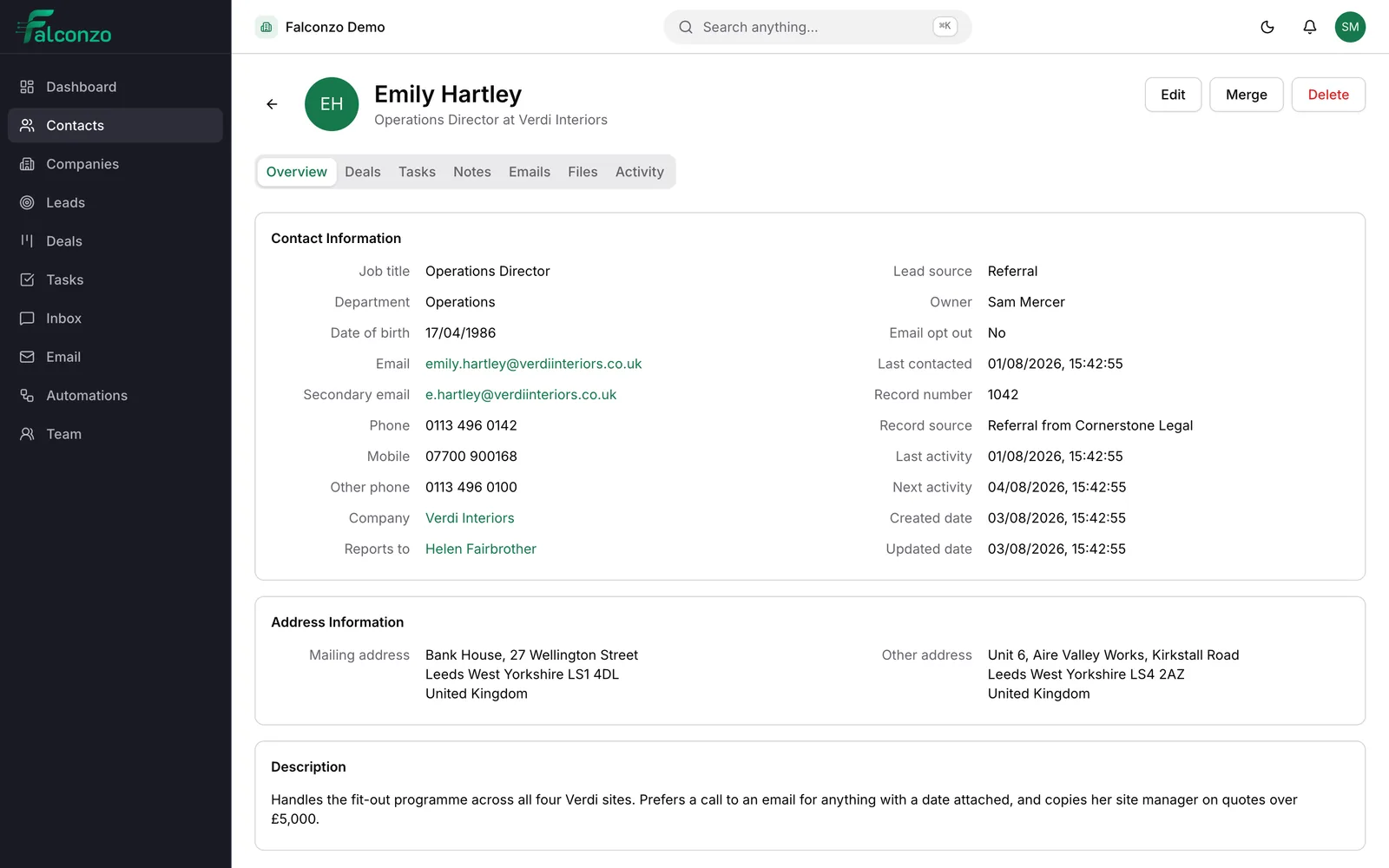
The detail that lives in the notes
It is different in every business, and it is always the thing people need first.
The boiler model. The gate code. The renewal month. The name of the architect who has to sign it off. It ends up buried in a note halfway down a record, where nobody can sort by it and half the team forgets to write it at all.
A custom field gives that detail a proper home. A labelled box, in the same place on every record, filled in because it is obviously there to be filled in.
It is also how a CRM stops feeling like somebody else's software. When the form asks the questions your team already asks on the phone, people use it without being chased.
The kinds of field you can add
Available on contacts, companies, leads and deals. Choose the type that matches the answer, not the one that is quickest.
Text
Free wording for anything that does not follow a pattern. A reference number, an access note, the name they prefer to be called.
Number
For quantities and figures you want kept as figures. Square metres, seats, units on site, engineers required.
Date
Renewal dates, install dates, warranty expiry. The things that would otherwise be written on a wall planner nobody photographs.
Checkbox
A plain yes or no. On the maintenance plan. Needs a parking permit. Signed the terms.
Single select and multi select
A fixed list of options, so answers stay consistent enough to be useful. Pick one, or pick several where several is the truth.
Relation and multi-relation
Point one record at another, or at several. The engineer who covers the site. The products a deal includes.
Adding your first fields
Resist doing all of this on day one. The good fields reveal themselves after a few weeks of real use.
Read back a month of notes
The detail you keep writing by hand is your first custom field. If three people have written the same kind of thing three different ways, that is the one.
Decide which record it belongs on
Renewal month belongs on the company. Site access belongs on the contact. Where the enquiry came from belongs on the lead.
Pick the right type
Do not make everything text. A date you can sort and a select list with four options are worth the extra minute you spend choosing them.
Name it the way people say it
If the whole team says job number, label it job number. Nobody has ever filled in a field called client reference identifier with any enthusiasm.
Add it and tell people why
The field appears on the record straight away. Explain what it is for, because a field nobody understands gets filled in three different ways within a fortnight.
Beyond fields
When the thing deserves a record of its own
Sometimes a field is the wrong shape. A maintenance contract with its own dates, its own value and its own history is not a box on a company record. It is a thing in its own right.
Custom objects let you define your own record type with its own fields, for whatever your business tracks that no CRM ships with. Tasks can be attached to those records too, so the work around them stays in the same system as everything else.
- Define a record type that matches how your business actually thinks
- Give it the fields it needs, using the same field types
- Attach tasks to those records so follow-up works the same way
In everyday use
Your fields sit beside the standard ones
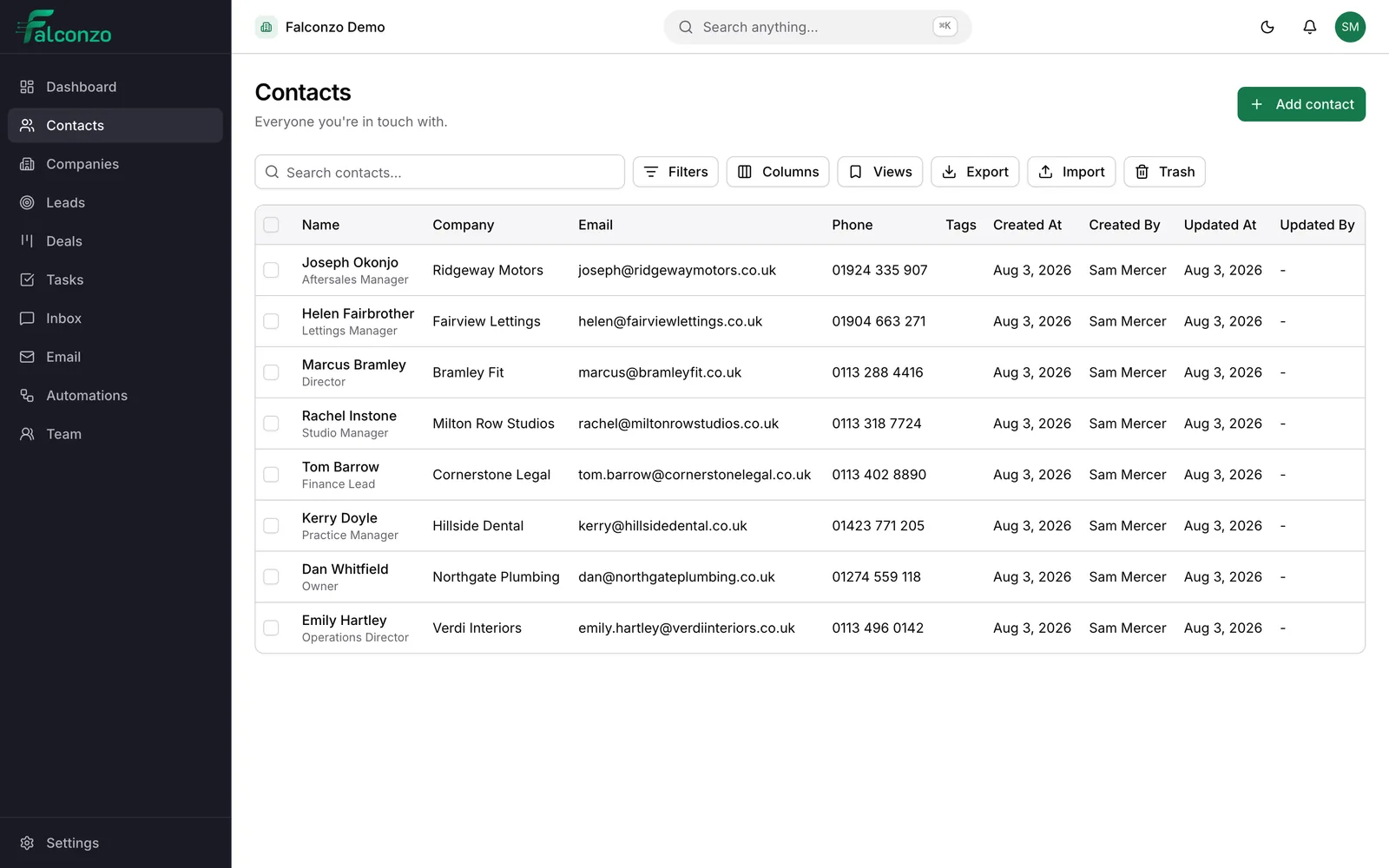
Custom fields are not an extra tab that people forget exists. They appear on the record with everything else, so filling them in is part of the normal rhythm of adding a customer.
They are also covered by the same housekeeping as the rest of the CRM. Changes are recorded with who made them and when, permissions still apply, and saved views and column preferences let each person set up the list the way they work.
What you end up with
A CRM that speaks your trade rather than a generic one. The questions your team asks customers are the questions the form asks them, which is most of what makes a system get used properly.
And the answers stop being buried in prose. When the renewal month is a date instead of a sentence in a note from last March, planning next quarter takes minutes rather than an afternoon of reading.
Bring the details a spreadsheet cannot hold
Book a walkthrough and tell us what you track. We will set up the fields on the spot and show you the record with them in place.
Custom fields across Falconzo
Every record type they apply to, and the pages that explain them.
- Contacts and companies usually gain the most fields, because that is where the standing detail lives.
- Leads can carry the two or three answers that decide whether an enquiry is worth pursuing.
- Deals take fields about the job itself, alongside the value, stage and close date.
- The CRM overview shows how the record types fit together before you start changing them.